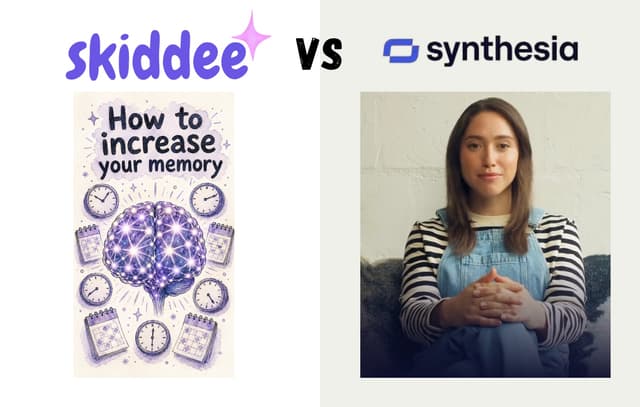
Key takeaways
- Synthesia is built for corporate training and avatar-led comms; people leave it when they want a faceless format, a distinct visual style, or pay-as-you-go pricing.
- The six strongest alternatives split into three camps: avatar tools (HeyGen, Colossyan), stock-or-editor tools (Pictory, InVideo, Descript), and custom-illustration tools (Skiddee).
- Almost all are subscriptions; Skiddee is the outlier on a free-tier-plus-credits model, which suits occasional creators who don't publish every week.
The right Synthesia alternative is the one that matches the video you're actually making, not the one with the longest feature list.
What is Synthesia, and who is it not for?
Synthesia is an AI video platform built around digital avatars: you type a script, pick a presenter, and the avatar reads your words to camera. It's a strong fit for corporate training, internal comms, and product walkthroughs, but a poor one for creators who want a faceless channel, a distinct visual style, or pay-as-you-go pricing.
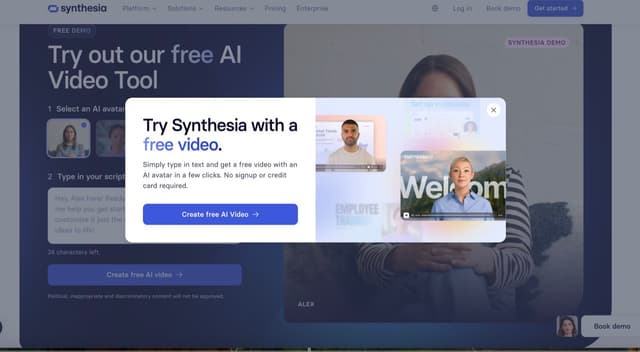
It supports a long list of languages and a deep template library, and it does the corporate-presenter job well. People go looking for Synthesia alternatives for three main reasons:
- The format is fixed. Almost everything ends up as a talking head on a slide. That works for an HR onboarding video. It's a strange fit for a faceless YouTube channel or a punchy explainer. If you're still weighing the format itself, our breakdown of talking head vs animated video is a good place to start before you commit to any avatar tool.
- It's a subscription. Pricing is billed monthly or annually (as of writing), and avatar-heavy plans aren't cheap. If you make two videos a month, you're paying for a seat you barely use.
- The vibe is corporate. Avatar videos tend to look like avatar videos. Some audiences are fine with that. Creators chasing a distinct visual style often aren't.
If none of that bothers you, Synthesia might already be the right call. If any of it does, here's where to look.
What are the best Synthesia alternatives in 2026?
The strongest Synthesia alternatives in 2026 are HeyGen, Pictory, Skiddee, InVideo, Colossyan, and Descript. Which one is best depends on whether you want avatars, stock footage, custom illustrations, or an editor for your own footage, so here's the genuine pro and con of each.
HeyGen — best if you still want avatars, with more flexibility
HeyGen is the closest like-for-like swap. It's also avatar-first, with strong lip-sync, voice cloning, and a custom-avatar feature that lets you train a presenter on your own footage. People often shortlist it right next to Synthesia.
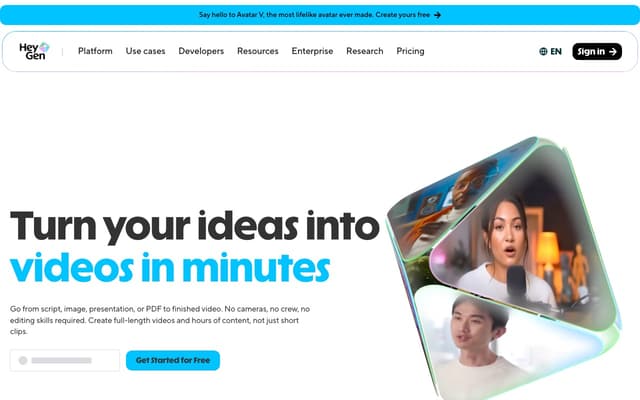
- Format: AI avatars reading a script, plus translation and dubbing tools.
- Pricing model: subscription, tiered by minutes and avatar features.
- Pro: the avatar realism and custom-avatar workflow are strong, and the translation features are handy for multi-market content.
- Con: you're still locked into the talking-head format and a recurring bill, so it solves the "which avatar tool" question, not the "do I want an avatar at all" one.
Pictory — best for turning long content into stock-footage clips
Pictory leans into repurposing. Feed it a blog post, a webinar recording, or a long script, and it pulls highlights and pairs them with stock video and captions. No avatar involved.
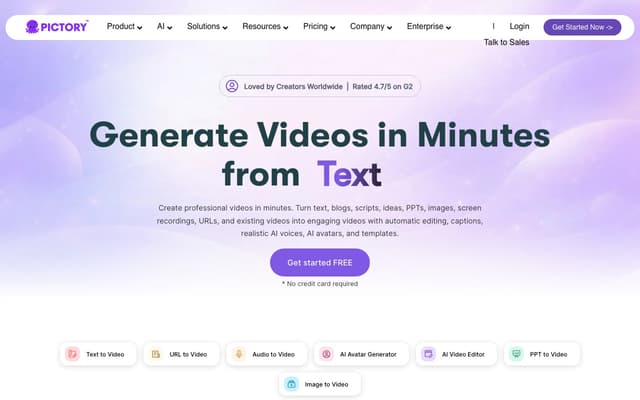
- Format: script or article matched to licensed stock clips, with auto-captions and voiceover.
- Pricing model: subscription, metered by video minutes per month.
- Pro: fast for chopping existing long-form material into social cuts, and the auto-captioning saves real time.
- Con: the visuals are generic stock that other channels are also using, so the output rarely feels like yours.
Skiddee — best for custom illustrated videos without avatars or stock
Here's our pitch, and you can hold us to it. Skiddee turns a script into a finished animated video, but instead of an avatar or stock clips, it draws fresh custom illustrations for every scene, tied to what your script says. Paste your script, pick a voice and a visual style, and it generates the illustrations, AI voiceover, and transitions, then assembles the whole thing in one click.
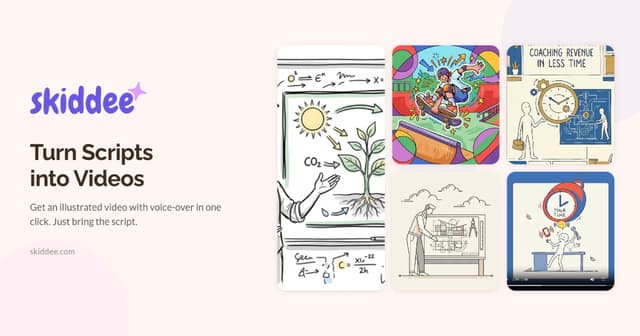
- Format: custom illustrations per scene (never stock, never an avatar), AI narration, and automatic assembly.
- Pricing model: credit-based with a free tier. You start with 1,500 free credits (about 3–4 minutes of video), then a one-time $15 prepaid pack adds 4,500 credits with no subscription. If you publish regularly, monthly plans run Creator $29, Plus $59, and Pro $149. Credits never expire, any paid purchase permanently unlocks perks like watermark-free exports and 2K resolution, and it works out to as little as ~$1.20 per minute of video on a monthly plan.
- Pro: the output looks like a deliberate illustrated explainer rather than a template, it sticks to your script word-for-word, and a quiet month costs you nothing.
- Con: it's an illustration style, not a photoreal one, so if your brand needs a real human face on screen, an avatar tool is the better fit.
That last point matters. Skiddee isn't trying to replace Synthesia for corporate training that needs a presenter. It's for the people who never wanted an avatar in the first place and got tired of recycled stock footage.
InVideo — best for a flexible template editor
InVideo sits between a template library and a full editor. There's an AI mode that drafts a video from a prompt, plus a large stock library and a timeline you can fuss with when the auto-draft misses.
- Format: template-driven editing with stock media, text, and AI-assisted drafts.
- Pricing model: subscription, with a limited free tier and paid plans by export volume.
- Pro: the editor is capable and the template range is wide, so you can hand-tune things other auto-tools won't let you touch.
- Con: that flexibility means more clicking. If you want to paste a script and walk away, this isn't the shortest path, and you're back to stitching stock.
Colossyan — best for workplace learning and training
Colossyan is another avatar tool, but it's aimed squarely at learning and development teams. It adds quiz interactions, conversation-style scenes with multiple avatars, and SCORM export for learning management systems.
- Format: AI avatars built for training, with interactive and assessment features.
- Pricing model: subscription, tiered from individuals up to teams.
- Pro: the L&D-specific features (branching scenarios, quizzes, LMS export) are things general avatar tools don't bother with.
- Con: if you're not making training content, most of what makes it special is dead weight, and it shares Synthesia's avatar-and-subscription model.
Descript — best for editing video like a text document
Descript takes a different angle entirely. Instead of a timeline, it transcribes your footage and lets you edit the video by editing the transcript: delete a sentence, and the corresponding clip disappears.
It also offers voice cloning (its "Overdub" feature) and AI avatars, but the core draw is the text-based editing workflow for podcasts, screen recordings, and talking-head footage you film yourself.
- Format: transcript-based video and audio editor, with voice cloning and AI avatar add-ons.
- Pricing model: subscription, with a limited free tier and paid plans by transcription hours.
- Pro: editing by deleting words is faster than scrubbing a timeline, and the voice cloning is useful for patching narration without re-recording.
- Con: it assumes you already have raw footage or audio to edit, so it's less of a "type a script, get a finished video" tool and more of a post-production editor.
How do the top Synthesia alternatives compare?
At a glance, most Synthesia alternatives split into two camps: avatar tools (HeyGen, Colossyan) and stock-or-editor tools (Pictory, InVideo, Descript), all on subscriptions. Skiddee is the outlier, using custom illustrations on a credit model. Here's the side-by-side.
| Tool | Core approach | Pricing model | Best for |
|---|---|---|---|
| Synthesia | AI avatars | Subscription | Corporate training, comms |
| HeyGen | AI avatars + translation | Subscription | Avatar video with localization |
| Pictory | Script to stock clips | Subscription | Repurposing long content |
| Skiddee | Custom illustrations per scene | Free tier + one-time credits | Faceless creators, explainers, founders |
| InVideo | Template editor + stock | Subscription | Hands-on template editing |
| Colossyan | AI avatars for L&D | Subscription | Interactive training |
| Descript | Transcript-based editor | Subscription | Editing footage you already have |
The pattern is hard to miss. Almost all of these are subscriptions, and most fall into one of two buckets: stick an AI avatar on the screen, or stitch stock footage together. Descript is really an editor that assumes you bring your own raw material. If that's the video you want, pick the best one for your use case and move on. If you want custom illustrations that match your script, and you'd rather start free than commit to a subscription, that's the gap Skiddee fills.
If you're new to the whole process, our guide on how to make an explainer video walks through scripting and structure regardless of which tool you land on, and if your goal is a channel with no presenter at all, the making faceless YouTube videos guide covers the workflow end to end.
Which Synthesia alternative should you choose?
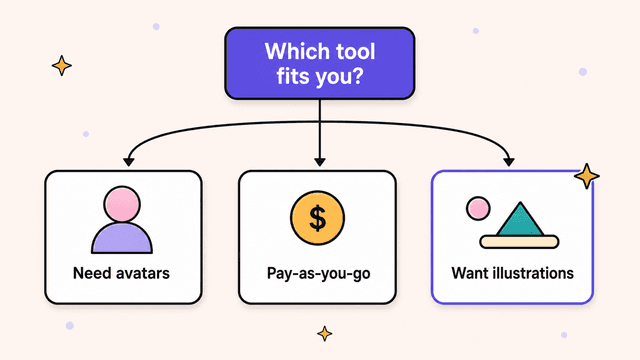
Choose by matching the tool to the video you're making, not the other way around. Need a localized presenter for training? HeyGen or Colossyan. Repurposing a webinar into clips fast? Pictory. Want hands-on control over templates? InVideo. Already have footage and want to edit it like a document? Descript. Want a finished illustrated video from a script, with no avatar and no stock footage? That's the one we built.
Try Skiddee free
Your first 1,500 credits — about 3–4 minutes of video — are on us. Paste a script, pick a voice and a visual style, and Skiddee draws custom illustrations for every scene, adds AI narration, and assembles the finished video, no avatar and no stock footage.
FAQ
Is there a free Synthesia alternative?
A few tools offer limited free tiers, though most cap exports or stamp a watermark. Skiddee's free tier includes 1,500 credits, about 3–4 minutes of video, with no card required.
Can I get a Synthesia alternative without avatars?
Yes. Pictory and InVideo lean on stock footage, Descript edits footage you supply, and Skiddee generates custom illustrations per scene. The split is whether you want stock footage other people are also using, your own filmed material, or visuals drawn fresh for your script.
Which one is cheapest for occasional use?
Subscriptions punish low-volume use, since you pay every month whether you publish or not. A credit model fits occasional creators better. Skiddee's one-time top-ups start at $15 for 4,500 credits, credits never expire, and there's no monthly commitment, so two videos a quarter costs what two videos should.
Do these tools follow my script exactly?
It depends on the approach. Avatar tools read your script verbatim. Repurposing tools like Pictory often summarize or trim long content to fit, which can drift from your wording. Skiddee sticks to your script word-for-word and builds the visuals around it.
About the author
Suyin Kee is Co-founder of Skiddee, an AI tool that turns scripts into illustrated animated videos. She writes about faceless video, creator economics, and AI tooling for educators.